Turn Off Microsoft Edge VPN: Disable Secure Network in a Few Steps
Learn how to turn off Microsoft Edge Secure Network, check whether it’s active, and troubleshoot when the setting is missing.
To turn off Microsoft Edge VPN, open Edge, select the three-dot menu, go to Settings > Privacy, search, and services, and switch off Microsoft Edge Secure Network. The exact label or placement can vary with Edge updates and account or organization settings. If you don’t see the option, Secure Network may not be available or enabled for your account.
| VPN | Obfuscation | From / month | Plan | Free plan | Refund | Alipay | UnionPay | Crypto | Website opens in China | Trustpilot | |
|---|---|---|---|---|---|---|---|---|---|---|---|
 ZoogVPN | Turn on manually Shadow | $2.49/mo | 27 months: $59.99 | Yes | 7 days | ✓ | ✓ | ✓ | ✓ | Official site blocked; our special link opens (4.4 s) | 4.2/5 (195 reviews) |
 NordVPN | Turn on manually Obfuscated Servers / NordWhisper | $3.49/mo | 27 months: $94.23 | No | 30 days | ? | ✗ | ✓ | ✓ | ✗ Blocked | 4.2/5 (51,628 reviews) |
 ExpressVPN | ✓ On by default all servers | $3.00/mo | 28 months: $84 | No | 30 days | ✗ | ✗ | ✓ | ✗ | ✗ Blocked | 4.4/5 (29,706 reviews) |
 Surfshark | ✓ On by default Camouflage, with OpenVPN | See site | See site | No | 30 days | ✗ | ✗ | ✗ | ✓ | ✗ Blocked | 4.3/5 (31,823 reviews) |
 Proton VPN | Turn on manually Stealth, free plan too | $2.99/mo | 12 months: $35.88 | Yes | 30 days | ✗ | ✗ | ✗ | ✓ | ✗ Blocked | 2.1/5 (1,040 reviews) |
 Astrill VPN | Turn on manually StealthVPN / OpenWeb | $12.50/mo | 24 months: $300 | No | See site | ✗ | ✗ | ✗ | ✓ | ✗ Blocked | 1.3/5 (110 reviews) |
 Private Internet Access | Turn on manually Shadowsocks, OpenVPN only | $2.03/mo | 40 months: $81.2 | No | 30 days | ✗ | ✗ | ✗ | ✗ | ✗ Blocked | 4.2/5 (11,033 reviews) |
 CyberGhost | Turn on manually selected servers | $2.19/mo | 28 months: $61.32 | No | 45 days | ✗ | ✗ | ✗ | ✓ | ✗ Blocked | 4.0/5 (24,178 reviews) |
 PureVPN | Turn on manually switch to OpenVPN | $1.69/mo | 60 months: $101.55 | No | 31 days | ? | ? | ✗ | ✓ | ✗ Blocked | 4.4/5 (17,994 reviews) |
 AdGuard VPN | ✓ On by default TrustTunnel | $2.99/mo | 24 months: $71.76 | Yes | 30 days | ✓ | ✗ | ✓ | ✓ | Official site blocked; our special link opens (3.7 s) | 4.3/5 (290 reviews) |
 Mullvad | Turn on manually QUIC / Shadowsocks / LWO | $5.61/mo | €5/mo | No | 14 days | ✗ | ✗ | ✗ | ✓ | ✗ Blocked | 3.2/5 (192 reviews) |
 Windscribe | Turn on manually Stealth / WStunnel | $5.75/mo | 12 months: $69 | Yes | See site | ✗ | ✗ | ✗ | ✓ | ✗ Blocked | 4.7/5 (13,355 reviews) |
 StrongVPN | Turn on manually Scramble, OpenVPN TCP | See site | See site | No | 30 days | ✓ | ✗ | ✗ | ✗ | ✗ Blocked | 4.4/5 (2,695 reviews) |
 LightXtreme 闪连 | Not listed | $7.08/mo | 12 months: $84.99 | Yes | 30 days | ✓ | ✓ | ✓ | ✓ | ✓ Yes (3.5 s) | No page |
Prices checked 2026-11-10 on each vendor's pricing page (cheapest long plan, USD). Check the vendor's checkout for the final price.
Obfuscation checked 2026-11-14 on each vendor's site and help center: "on by default" = nothing to set; "turn on manually" = switch protocol or mode in settings; "not listed" = the vendor describes no obfuscation.
Payment methods checked 2026-11-10 on each vendor's payment pages: all 14 take cards and PayPal; ✗ = not listed, ? = the vendor's own pages disagree.
China access: whether the official website opens from mainland China networks (tests the website only, not the VPN connection). Last checked 2026-11-18 01:02 Beijing time.
Trustpilot score and review count checked 2026-11-10.
Turn off Microsoft Edge Secure Network
- Open Microsoft Edge.
- Select the three-dot menu in the upper-right corner.
- Choose Settings.
- Select Privacy, search, and services.
- Find Microsoft Edge Secure Network or Secure Network.
- Turn the feature off. If Edge displays a prompt, confirm your choice.
If the setting appears on a Secure Network page rather than directly in Privacy settings, open that page and switch off the feature there. You can also type “Secure Network” into the Settings search box to locate the control.
After disabling it, close and reopen the tabs where you were browsing if you want them to start fresh without the feature. You can return to the same setting and turn Secure Network back on later.
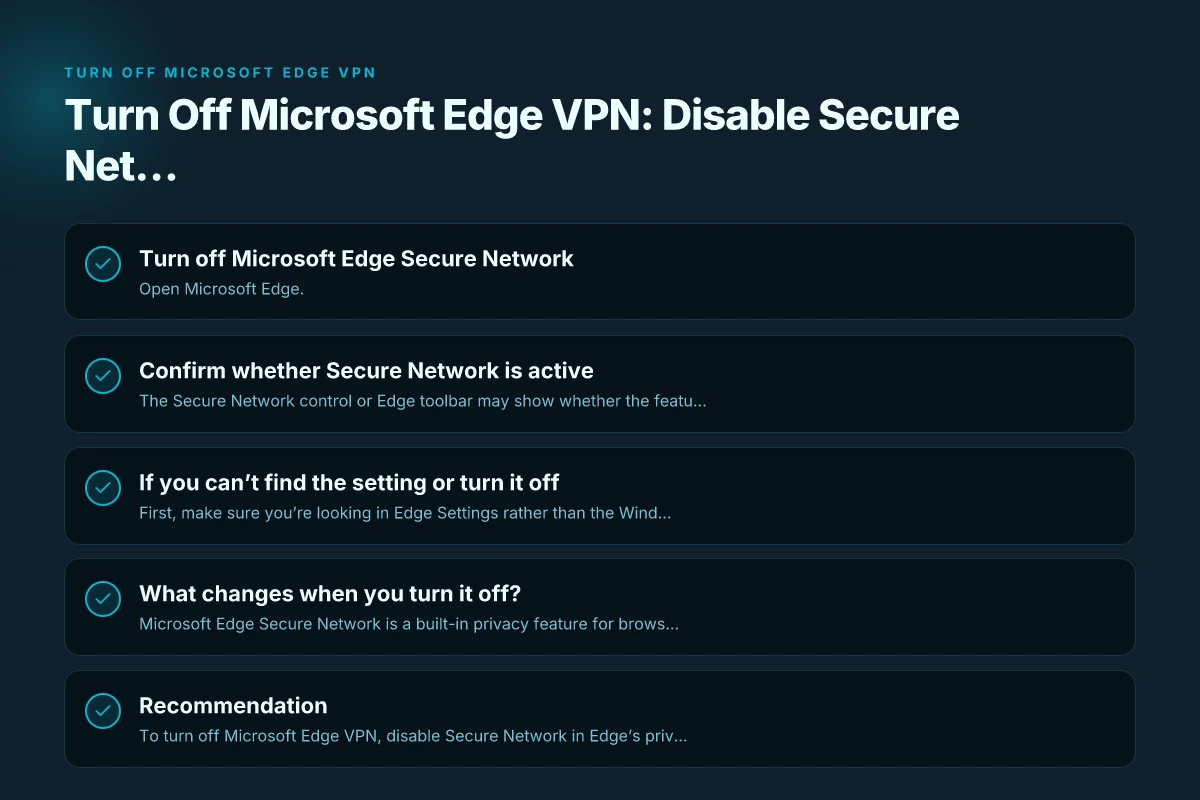
Confirm whether Secure Network is active
The Secure Network control or Edge toolbar may show whether the feature is on. Check the setting itself rather than assuming it is active just because Edge is open. Availability and interface details can differ across Edge versions and accounts.
| What you see | What it may mean | What to do |
|---|---|---|
| Secure Network is on in Settings | The Edge feature is enabled | Switch it off |
| Secure Network is off | Edge’s built-in feature is disabled | No action needed |
| No Secure Network setting | The feature may be unavailable, or the setting may be managed | Check the steps below |
| A separate VPN app is connected | A device-level VPN may still be active | Disconnect it in that app or your device settings |
Turning off Edge Secure Network only affects that Edge feature. It does not automatically disconnect a VPN app, a work or school VPN, or another connection configured in your device’s operating system. Urban VPN for Edge: How to Install and What to Know
If you can’t find the setting or turn it off
First, make sure you’re looking in Edge Settings rather than the Windows or macOS network settings. Secure Network is an Edge feature, and a separate VPN connection is controlled elsewhere.
If the setting is missing or unavailable, try these checks:
- Update Edge: Open Settings > About Microsoft Edge and let the browser check for updates.
- Check your account: Microsoft says to sign in to Edge with a personal Microsoft account to turn on Secure Network. Account requirements or availability may affect what you see.
- Look for management notices: On a work or school device, an administrator may control browser features. Check Edge’s Settings for a message that the browser is managed, or ask your organization’s IT team.
- Search Settings: Enter “Secure Network” in the Settings search field in case the layout has changed.
- Restart Edge: Close and reopen the browser, then check the setting again.
If a separate VPN application is the source of the connection, open that application and disconnect it there. You can also review your device’s network or VPN settings. Don’t remove a work or school VPN without checking with your administrator.
What changes when you turn it off?
Microsoft Edge Secure Network is a built-in privacy feature for browsing in Edge. When you disable it, Edge stops using that feature for your browsing. This does not remove other privacy protections, nor does it switch off a VPN configured for your whole device. FortiGate VPN: How It Works, Setup Options, and FortiClient
Keep in mind that disabling a VPN or privacy feature can change how your browsing traffic is routed and protected. If you’re using Secure Network for privacy on an untrusted connection, consider whether you want to replace it with another trusted option before switching it off.
The table below distinguishes the most common controls:
| Connection or setting | Where to turn it off |
|---|---|
| Microsoft Edge Secure Network | Edge Settings > Privacy, search, and services |
| A VPN browser extension | The extension’s controls or Edge’s extensions page |
| A standalone VPN application | The VPN app |
| A work or device-level VPN | Your device’s network settings or your organization’s administrator |
Recommendation
To turn off Microsoft Edge VPN, disable Secure Network in Edge’s privacy settings, then verify the feature shows as off. If you still appear to be connected to a VPN, check for a separate extension, VPN app, or device-level connection rather than changing unrelated Edge settings.