VPN for Edge: How to Choose and Use One Safely
Find out whether Edge has a built-in VPN, how VPN extensions work, and what to check before choosing one.
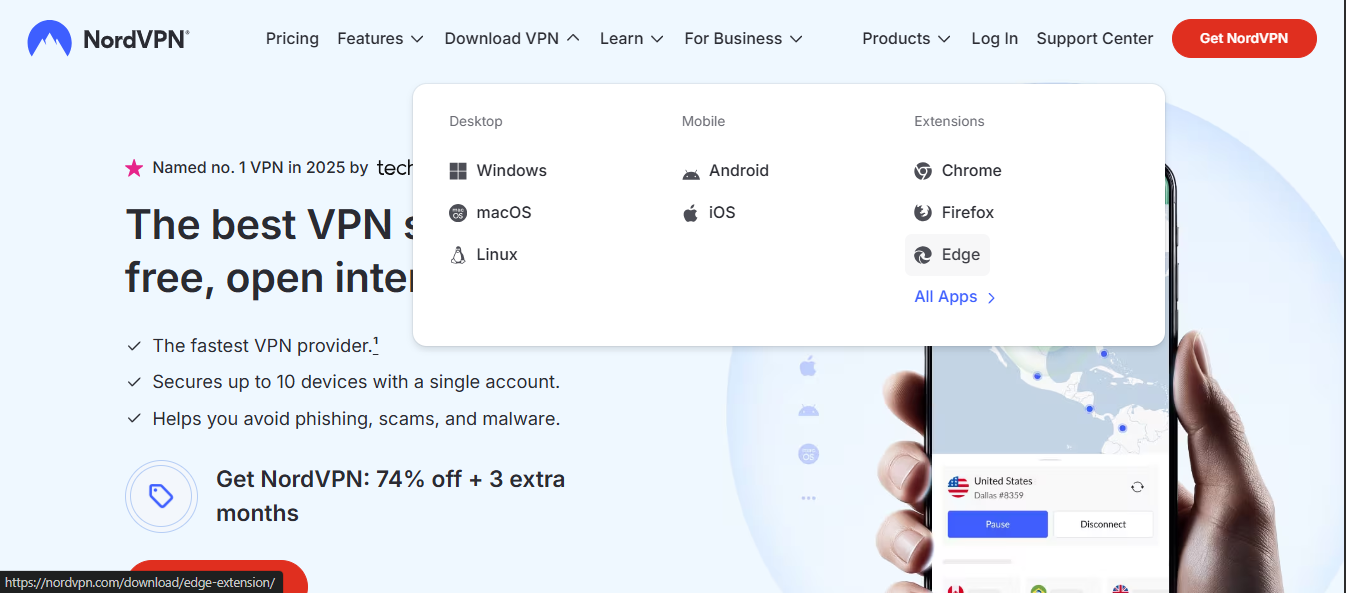
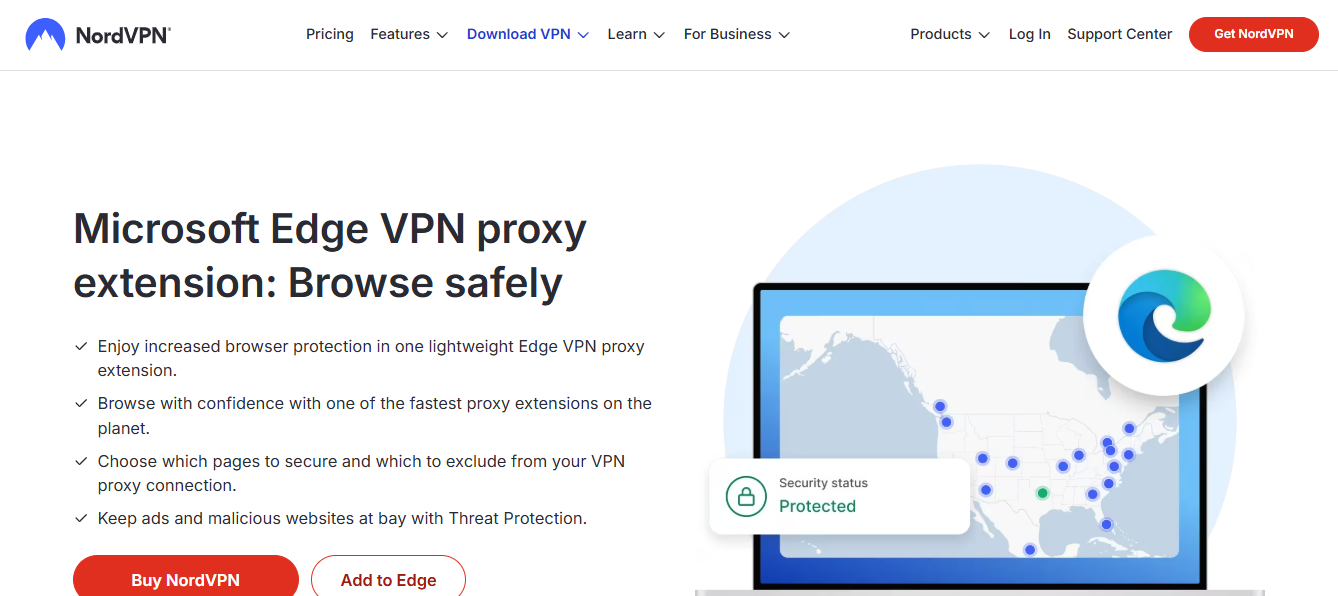
A VPN for Edge can help protect browser traffic on untrusted networks and may let you connect through a different virtual location. You can use a VPN extension from the Microsoft Edge Add-ons store, or install a VPN provider’s desktop app. These options work differently, so choose based on whether you need protection just in Edge or across your whole device.
Compare a VPN extension with a full VPN app
| Factor | Edge VPN extension | Full VPN app |
|---|---|---|
| Where it runs | In the browser | Across the device |
| Edge traffic | Protected | Protected |
| Other browser traffic | Usually not protected | Protected |
| Non-browser apps | Not protected | Protected |
| Setup | Add from Edge Add-ons | Install the app |
| Connection control | Browser-level | Device-level |
| Best suited for | Edge browsing | Whole-device protection |
Compiled November 2026; check the provider's site for current details.
| VPN | Obfuscation | From / month | Plan | Free plan | Refund | Alipay | UnionPay | Crypto | Website opens in China | Trustpilot | |
|---|---|---|---|---|---|---|---|---|---|---|---|
 ZoogVPN | Turn on manually Shadow | $2.49/mo | 27 months: $59.99 | Yes | 7 days | ✓ | ✓ | ✓ | ✓ | Official site blocked; our special link opens (4.4 s) | 4.2/5 (195 reviews) |
 NordVPN | Turn on manually Obfuscated Servers / NordWhisper | $3.49/mo | 27 months: $94.23 | No | 30 days | ? | ✗ | ✓ | ✓ | ✗ Blocked | 4.2/5 (51,628 reviews) |
 ExpressVPN | ✓ On by default all servers | $3.00/mo | 28 months: $84 | No | 30 days | ✗ | ✗ | ✓ | ✗ | ✗ Blocked | 4.4/5 (29,706 reviews) |
 Surfshark | ✓ On by default Camouflage, with OpenVPN | See site | See site | No | 30 days | ✗ | ✗ | ✗ | ✓ | ✗ Blocked | 4.3/5 (31,823 reviews) |
 Proton VPN | Turn on manually Stealth, free plan too | $2.99/mo | 12 months: $35.88 | Yes | 30 days | ✗ | ✗ | ✗ | ✓ | ✗ Blocked | 2.1/5 (1,040 reviews) |
 Astrill VPN | Turn on manually StealthVPN / OpenWeb | $12.50/mo | 24 months: $300 | No | See site | ✗ | ✗ | ✗ | ✓ | ✗ Blocked | 1.3/5 (110 reviews) |
 Private Internet Access | Turn on manually Shadowsocks, OpenVPN only | $2.03/mo | 40 months: $81.2 | No | 30 days | ✗ | ✗ | ✗ | ✗ | ✗ Blocked | 4.2/5 (11,033 reviews) |
 CyberGhost | Turn on manually selected servers | $2.19/mo | 28 months: $61.32 | No | 45 days | ✗ | ✗ | ✗ | ✓ | ✗ Blocked | 4.0/5 (24,178 reviews) |
 PureVPN | Turn on manually switch to OpenVPN | $1.69/mo | 60 months: $101.55 | No | 31 days | ? | ? | ✗ | ✓ | ✗ Blocked | 4.4/5 (17,994 reviews) |
 AdGuard VPN | ✓ On by default TrustTunnel | $2.99/mo | 24 months: $71.76 | Yes | 30 days | ✓ | ✗ | ✓ | ✓ | Official site blocked; our special link opens (3.7 s) | 4.3/5 (290 reviews) |
 Mullvad | Turn on manually QUIC / Shadowsocks / LWO | $5.61/mo | €5/mo | No | 14 days | ✗ | ✗ | ✗ | ✓ | ✗ Blocked | 3.2/5 (192 reviews) |
 Windscribe | Turn on manually Stealth / WStunnel | $5.75/mo | 12 months: $69 | Yes | See site | ✗ | ✗ | ✗ | ✓ | ✗ Blocked | 4.7/5 (13,355 reviews) |
 StrongVPN | Turn on manually Scramble, OpenVPN TCP | See site | See site | No | 30 days | ✓ | ✗ | ✗ | ✗ | ✗ Blocked | 4.4/5 (2,695 reviews) |
 LightXtreme 闪连 | Not listed | $7.08/mo | 12 months: $84.99 | Yes | 30 days | ✓ | ✓ | ✓ | ✓ | ✓ Yes (3.5 s) | No page |
Prices checked 2026-11-10 on each vendor's pricing page (cheapest long plan, USD). Check the vendor's checkout for the final price.
Obfuscation checked 2026-11-14 on each vendor's site and help center: "on by default" = nothing to set; "turn on manually" = switch protocol or mode in settings; "not listed" = the vendor describes no obfuscation.
Payment methods checked 2026-11-10 on each vendor's payment pages: all 14 take cards and PayPal; ✗ = not listed, ? = the vendor's own pages disagree.
China access: whether the official website opens from mainland China networks (tests the website only, not the VPN connection). Last checked 2026-11-18 01:02 Beijing time.
Trustpilot score and review count checked 2026-11-10.
Does Microsoft Edge have a built-in VPN?
Microsoft Edge offers a feature called Secure Network in some versions and regions. It is designed to add protection while browsing, but availability and terms can vary. It is not a full replacement for a VPN service that runs across your device.
Search results and user discussions may mention different amounts of free data for Edge’s built-in feature. Treat those claims as time-sensitive: check Edge settings and Microsoft’s current product information for availability, eligibility, and any data limits.
To check your browser, open Edge settings and look for Secure Network or privacy-related options. If the feature is not available, you can consider an extension or a VPN app.
VPN extension or full VPN app?
A browser extension is generally the quickest way to add VPN functionality to Edge. It usually controls traffic from the browser, rather than routing every connection made by your computer. A desktop VPN app is more suitable if you want broader device-level coverage. Chrome Urban VPN: How to Install It, Use It, and Assess Its Safety
| Option | What it typically covers | Best suited to |
|---|---|---|
| Edge VPN extension | Browser traffic in Edge | Lightweight, browser-focused use |
| VPN app | Traffic from more of your device | Protection for multiple apps and browsers |
| Edge Secure Network | Edge browsing, subject to feature availability | People who want to use a built-in browser feature |
The exact behavior depends on the provider and its settings. Read the extension’s description and privacy information before relying on it.
Check these points when choosing a VPN for Edge
| What to check | Why it matters | Look for |
|---|---|---|
| Privacy policy | Shows how data is handled | Clear data practices |
| Logging | Affects privacy | A stated logging policy |
| Security | Helps protect your connection | Strong encryption |
| Browser support | Determines Edge compatibility | An Edge extension |
| Leak protection | Helps prevent exposure | DNS and IP leak protection |
| Server locations | Affects connection options | Locations that suit your needs |
| Performance | Affects browsing experience | Reliable speeds |
| Trustworthiness | Helps assess provider claims | Independent reviews or audits |
Compiled November 2026; check the provider's site for current details.
How to choose a VPN for Edge
A free VPN can be convenient, but “free” does not automatically mean private or trustworthy. Compare providers on more than whether they charge a subscription. Free VPN That Lets You Choose Location: What to Know
Look for:
- Clear privacy information: Understand what connection data may be collected and how it is used.
- A credible provider: Check who operates the service and whether its policies are easy to find.
- Useful security details: Look for an explanation of how connections are protected and what happens if the connection drops.
- Reasonable permissions: An extension may need access to browser traffic to work, but its requested permissions should make sense for its stated purpose.
- Transparent limitations: Check whether the free plan has data, location, speed, or feature restrictions.
- A reputable download source: Prefer the Microsoft Edge Add-ons store or the provider’s official website.
Some listings advertise unlimited data, no ads, or no logs. These are provider claims, not proof of how a service handles data. Review the current listing and privacy policy rather than relying on a headline alone.
How to install and use an Edge VPN extension
The steps are similar for most browser extensions:
- Open the Microsoft Edge Add-ons store.
- Search for the provider or extension you want.
- Review its description, permissions, privacy policy, and recent user feedback.
- Select Get and confirm the installation.
- Open the extension from Edge’s toolbar, then sign in or create an account if required.
- Choose a server or location, if available, and connect.
- Confirm the extension shows an active connection before browsing.
To remove an extension, open Edge’s extensions page, find the add-on, and select the option to remove it. If you install a VPN app instead, download it from the provider’s official site and follow its setup instructions. NordVPN Windows 10 VPN: How to Install and Use It
What a VPN extension can and cannot do
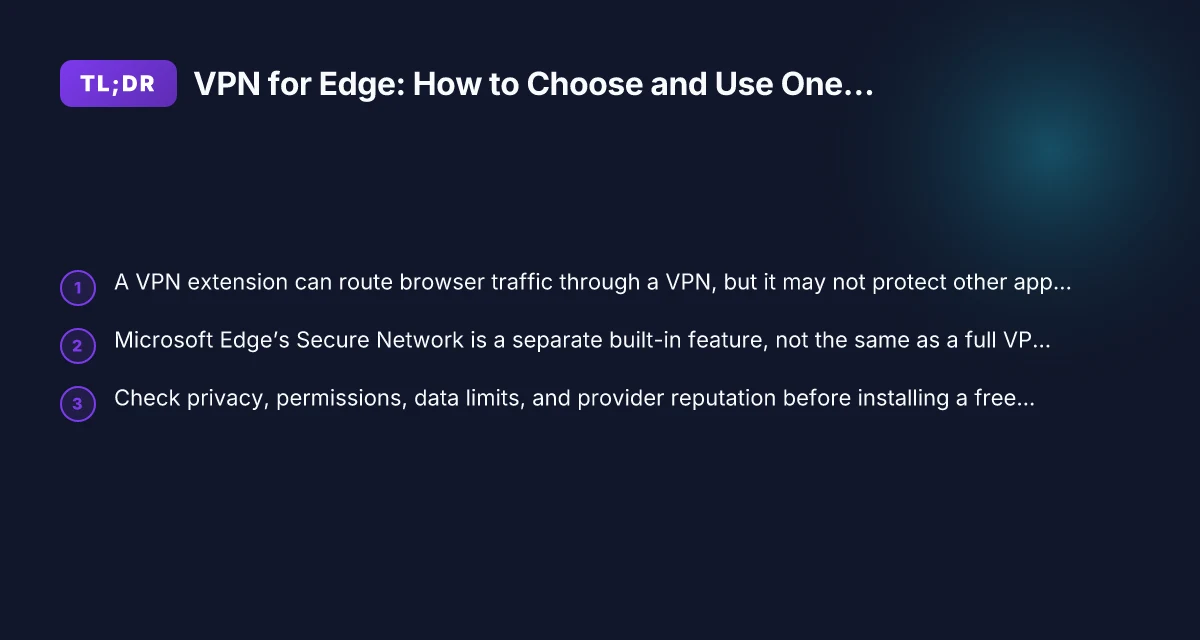
A VPN extension can help conceal your usual IP address from websites and route browser connections through a VPN provider. It can also be useful on public Wi-Fi. However, it does not make you anonymous: websites may still identify you through account sign-ins, cookies, browser settings, or other tracking methods.
Keep these limits in mind:
- An extension may protect only Edge, not email, games, or other apps.
- A VPN does not prevent every form of malware, phishing, or tracking.
- A changed virtual location does not guarantee access to a particular website or streaming service.
- Your VPN provider may be able to see some connection information, so its privacy practices matter.
- Other browser features, such as private browsing, are not substitutes for a VPN.
For protection beyond Edge, use a reputable VPN app and check its coverage and settings.
Decide whether an Edge extension is enough iPhone VPN: How to Set One Up and Choose the Right Option
| Your need | Extension alone? | Consider instead | Reason |
|---|---|---|---|
| Protect traffic in Edge | Yes | Edge extension | Covers browser traffic |
| Protect another browser | No | Full VPN app | Extension is browser-specific |
| Protect desktop apps | No | Full VPN app | Extension does not cover other apps |
| Protect the whole device | No | Full VPN app | App-level coverage is broader |
| Use a VPN only while browsing Edge | Yes | Edge extension | Browser-level control may suffice |
| Confirm what is protected | Check provider details | Full VPN app if unsure | Coverage varies by provider |
Compiled November 2026; check the provider's site for current details.
Recommendation
If you only need VPN-style protection while browsing in Edge, a well-reviewed extension from a trusted provider may be enough. If you want to protect traffic from other apps too, choose a full VPN app. Check current feature availability and plan limits, and review the provider’s privacy policy before connecting.