VPN Free: How to Choose a Free VPN That’s Worth Using
Learn what a free VPN can protect, what to check before installing one, and how to choose a service that fits your needs.
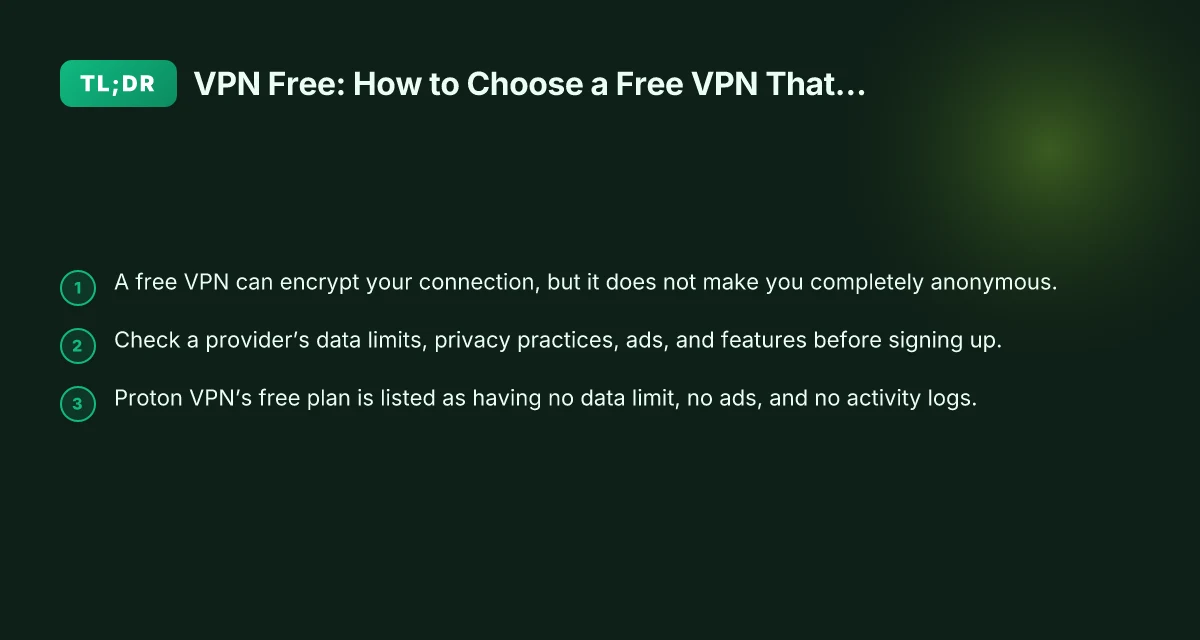
A VPN free of charge can be useful for protecting your connection, especially on public Wi-Fi, but the word “free” does not guarantee strong privacy or unlimited access. Some services limit data or features, while others may show ads. Choose a provider based on its privacy practices and the tasks you need it for, not just its price.
Compare free VPN options using the features that affect everyday use.
| Option | Data limit | Server choice | Streaming support | Best for |
|---|---|---|---|---|
| Free VPN with a monthly cap | Limited | Often limited | Varies | Occasional browsing |
| Free VPN with a daily cap | Limited per day | Often limited | Varies | Short daily sessions |
| Free VPN with no stated cap | Check the provider’s terms | Varies | Varies | Frequent browsing |
| Free tier from a paid provider | Usually limited | Usually limited | Varies | Trying a provider |
| Browser-based VPN or proxy | Often limited to browser traffic | Limited | Varies | Basic browser privacy |
| Free VPN with nearby servers | Varies | Nearby locations | Varies | Better connection speeds |
| Free VPN with a kill switch | Varies | Varies | Varies | Extra protection if connection drops |
Compiled November 2026; check the provider's site for current details.
| VPN | Obfuscation | From / month | Plan | Free plan | Refund | Alipay | UnionPay | Crypto | Website opens in China | Trustpilot | |
|---|---|---|---|---|---|---|---|---|---|---|---|
 Proton VPN | Turn on manually Stealth, free plan too | $2.99/mo | 12 months: $35.88 | Yes | 30 days | ✗ | ✗ | ✗ | ✓ | ✗ Blocked | 2.1/5 (1,040 reviews) |
 ZoogVPN | Turn on manually Shadow | $2.49/mo | 27 months: $59.99 | Yes | 7 days | ✓ | ✓ | ✓ | ✓ | Official site blocked; our special link opens (4.4 s) | 4.2/5 (195 reviews) |
 NordVPN | Turn on manually Obfuscated Servers / NordWhisper | $3.49/mo | 27 months: $94.23 | No | 30 days | ? | ✗ | ✓ | ✓ | ✗ Blocked | 4.2/5 (51,628 reviews) |
 ExpressVPN | ✓ On by default all servers | $3.00/mo | 28 months: $84 | No | 30 days | ✗ | ✗ | ✓ | ✗ | ✗ Blocked | 4.4/5 (29,706 reviews) |
 Surfshark | ✓ On by default Camouflage, with OpenVPN | See site | See site | No | 30 days | ✗ | ✗ | ✗ | ✓ | ✗ Blocked | 4.3/5 (31,823 reviews) |
 Astrill VPN | Turn on manually StealthVPN / OpenWeb | $12.50/mo | 24 months: $300 | No | See site | ✗ | ✗ | ✗ | ✓ | ✗ Blocked | 1.3/5 (110 reviews) |
 Private Internet Access | Turn on manually Shadowsocks, OpenVPN only | $2.03/mo | 40 months: $81.2 | No | 30 days | ✗ | ✗ | ✗ | ✗ | ✗ Blocked | 4.2/5 (11,033 reviews) |
 CyberGhost | Turn on manually selected servers | $2.19/mo | 28 months: $61.32 | No | 45 days | ✗ | ✗ | ✗ | ✓ | ✗ Blocked | 4.0/5 (24,178 reviews) |
 PureVPN | Turn on manually switch to OpenVPN | $1.69/mo | 60 months: $101.55 | No | 31 days | ? | ? | ✗ | ✓ | ✗ Blocked | 4.4/5 (17,994 reviews) |
 AdGuard VPN | ✓ On by default TrustTunnel | $2.99/mo | 24 months: $71.76 | Yes | 30 days | ✓ | ✗ | ✓ | ✓ | Official site blocked; our special link opens (3.7 s) | 4.3/5 (290 reviews) |
 Mullvad | Turn on manually QUIC / Shadowsocks / LWO | $5.61/mo | €5/mo | No | 14 days | ✗ | ✗ | ✗ | ✓ | ✗ Blocked | 3.2/5 (192 reviews) |
 Windscribe | Turn on manually Stealth / WStunnel | $5.75/mo | 12 months: $69 | Yes | See site | ✗ | ✗ | ✗ | ✓ | ✗ Blocked | 4.7/5 (13,355 reviews) |
 StrongVPN | Turn on manually Scramble, OpenVPN TCP | See site | See site | No | 30 days | ✓ | ✗ | ✗ | ✗ | ✗ Blocked | 4.4/5 (2,695 reviews) |
 LightXtreme 闪连 | Not listed | $7.08/mo | 12 months: $84.99 | Yes | 30 days | ✓ | ✓ | ✓ | ✓ | ✓ Yes (3.5 s) | No page |
Prices checked 2026-11-10 on each vendor's pricing page (cheapest long plan, USD). Check the vendor's checkout for the final price.
Obfuscation checked 2026-11-14 on each vendor's site and help center: "on by default" = nothing to set; "turn on manually" = switch protocol or mode in settings; "not listed" = the vendor describes no obfuscation.
Payment methods checked 2026-11-10 on each vendor's payment pages: all 14 take cards and PayPal; ✗ = not listed, ? = the vendor's own pages disagree.
China access: whether the official website opens from mainland China networks (tests the website only, not the VPN connection). Last checked 2026-11-18 01:02 Beijing time.
Trustpilot score and review count checked 2026-11-10.
What a free VPN does
A virtual private network (VPN) creates an encrypted connection between your device and a VPN server. This can make it harder for people on the same public network to inspect your traffic and can hide your IP address from websites you visit. Instead, those sites generally see the VPN server’s IP address.
A VPN is not an all-purpose security tool. It does not automatically block every scam, prevent tracking through cookies, or make you invisible online. The VPN provider handles your connection, so its privacy practices matter: you are shifting some trust from your internet provider or network operator to the VPN company.
Is there a completely free VPN?
Yes. Some services offer a free plan without requiring payment. But “completely free” can mean different things: no subscription charge, no registration, no data cap, or no ads. Check what the provider actually includes.
For example, Proton VPN describes its free plan as having no data limit, no ads, and no logs of user activity. Other free options promote features such as unlimited traffic, one-tap connections, or access to websites. These are provider claims, so review the service’s current terms and privacy information before installing it. VPN Extension for Edge: How to Choose and Use One
| What to compare | Why it matters |
|---|---|
| Data limits | A cap may restrict streaming, downloads, or regular use. |
| Privacy policy | Learn what connection or activity information the provider says it collects. |
| Ads and funding | Understand how the service supports its free offering. |
| Locations and access | Free plans may offer fewer server choices or restricted features. |
| Device support | Confirm the app or extension works on the devices you use. |
Free plans can also change. A service that meets your needs today may later revise its limits, features, or terms, so it is sensible to check periodically.
Use this checklist to assess a free VPN before installing it.
| Check | What to look for | Good sign | Caution sign |
|---|---|---|---|
| Privacy policy | What data is collected | Clear, specific explanations | Vague or missing details |
| Logging | Whether activity is recorded | Clear limits on stored data | Unclear activity tracking |
| Business model | How the service earns money | Transparent funding | Unexplained free service |
| Permissions | Access requested by the app | Permissions match its features | Unnecessary access requests |
| Security | Encryption and connection protection | Features are clearly described | Security claims without detail |
| Independent reviews | Evidence of outside scrutiny | Credible, recent assessments | No verifiable information |
| Legal status | Rules where you live | Service use is permitted | Local restrictions are unclear |
Compiled November 2026; check the provider's site for current details.
How to choose a free VPN
Start by deciding what you want the VPN to do. If you mainly want extra protection on public Wi-Fi, prioritize a reputable provider with a clear privacy policy and an app for your device. If you need a VPN for frequent browsing or media, check for data limits, speed restrictions, and whether the plan supports the sites or apps you use. Cj.cj.net VPN: What the Site Is and How to Find the Right VPN
Before installing, look for:
- A clear explanation of what data the service collects and retains.
- A straightforward way to contact the provider or get support.
- Apps available from an official store or the provider’s own website.
- Honest details about free-plan limits and included features.
- Permission requests that make sense for the product.
Browser extensions deserve particular care. A VPN extension may only protect browser traffic, rather than all internet activity on your device. Read its description and settings so you know what it covers.
Are free VPNs safe and legal?
A VPN is legal in many places, but rules can differ by country. Using a VPN does not give you permission to break local laws or a website’s terms. If you are travelling or living somewhere with restrictions on VPN use, check the relevant local rules.
Safety depends on the provider, not whether the service charges money. Be cautious if an app makes sweeping promises, hides its ownership or privacy practices, or asks for permissions that seem unrelated. Avoid assuming that a “no logs” claim means no information of any kind is collected. Read the policy to understand what the provider means. OpenVPN Connect: How to Download, Set Up, and Use the Official VPN App
A VPN also cannot guarantee that law enforcement or other investigators can never identify someone. It changes how your connection is routed, but account details, device information, online behavior, and information held by services you use may still be relevant. It is more accurate to treat a VPN as one privacy measure, not a shield against every form of investigation.
When a paid VPN may be a better fit
A free plan may be enough for occasional browsing or basic protection. Consider a paid plan if you need features the free version does not provide, such as more server choices, broader device coverage, or fewer usage restrictions. Compare the exact plans rather than assuming every paid VPN is better, or every free one is unsafe.
Be wary of offers that describe a service as “premium” or “unlimited” without explaining how it is funded and what its privacy policy says. A no-cost service still has operating costs, so understanding its business model is part of assessing whether you trust it.
Match a VPN choice to your needs before deciding whether to use a free plan. VPN PES: What It Does and Whether You Need One for eFootball
| Need | Free VPN may fit when | Consider paid when | Key trade-off |
|---|---|---|---|
| Occasional browsing | Usage is light | You need frequent access | Data limits |
| Public Wi-Fi privacy | The provider has clear security features | You need stronger safeguards | Protection depends on provider |
| Many server locations | A few locations are enough | You need broader choice | Limited locations |
| Streaming | The service supports your chosen content | You need reliable access | Streaming may be restricted |
| Large downloads | Downloads are small | You transfer large files | Data caps or speed limits |
| Multiple devices | The free plan supports your devices | You need broader coverage | Device limits |
| Consistent speeds | Occasional slowdowns are acceptable | You rely on stable performance | Free plans may be congested |
| Strong privacy controls | The policy and practices are transparent | You want more features or support | Free plans may offer fewer controls |
Compiled November 2026; check the provider's site for current details.
Recommendation
If you want a VPN free of charge, choose a provider with transparent privacy information and limits that match your use. Proton VPN is one option to consider based on its stated free-plan features: no data limit, no ads, and no activity logs. Verify the current terms before installing, and remember that a VPN can improve connection privacy but cannot make you completely anonymous.