F5 VPN Download: How to Get the Right F5 Access Client
Find the official F5 VPN download for your device, understand which client you need, and troubleshoot common connection problems.
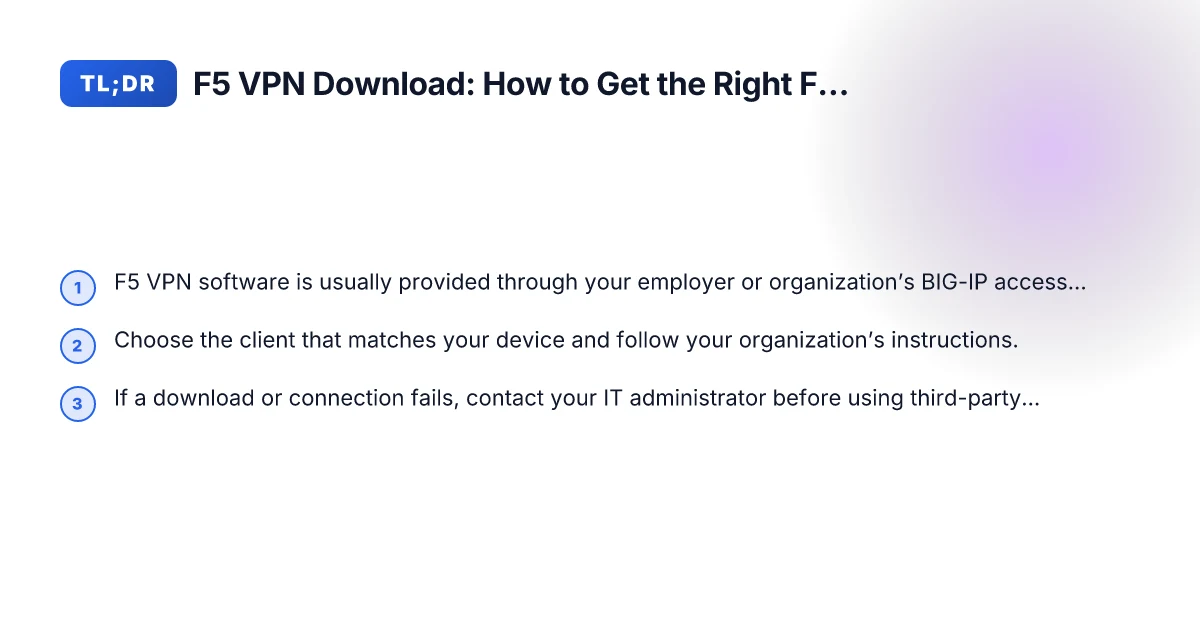
For an F5 VPN download, start with your employer’s or organization’s IT instructions or BIG-IP VPN portal. The correct app depends on your device and how the organization has configured remote access. F5 Access is available through official app stores for supported devices, while Windows users may be directed to install BIG-IP Edge Client. Avoid downloading VPN installers from unofficial sites: your organization may require a specific client or configuration file.
Choose the F5 client that matches your device and access method
| Option | Device | Access method | Best fit | Key consideration |
|---|---|---|---|---|
| F5 Access | Windows | BIG-IP access | Managed workplace access | Requires compatible BIG-IP setup |
| F5 Access | macOS | BIG-IP access | Mac users connecting to work | Check organization instructions |
| F5 Access | iOS | BIG-IP access | iPhone or iPad access | Use the relevant app store |
| F5 Access | Android | BIG-IP access | Android phone or tablet access | Use the relevant app store |
| BIG-IP Edge Client | Windows | BIG-IP access | Windows users directed to this client | Follow your organization’s download link |
| BIG-IP Edge Client | macOS | BIG-IP access | Mac users directed to this client | Confirm compatibility with IT |
| Browser access | Supported browser | Web-based access | Users given a web portal | May not provide full client features |
Compiled November 2026; check the provider's site for current details.
| VPN | Obfuscation | From / month | Plan | Free plan | Refund | Alipay | UnionPay | Crypto | Website opens in China | Trustpilot | |
|---|---|---|---|---|---|---|---|---|---|---|---|
 ZoogVPN | Turn on manually Shadow | $2.49/mo | 27 months: $59.99 | Yes | 7 days | ✓ | ✓ | ✓ | ✓ | Official site blocked; our special link opens (4.4 s) | 4.2/5 (195 reviews) |
 NordVPN | Turn on manually Obfuscated Servers / NordWhisper | $3.49/mo | 27 months: $94.23 | No | 30 days | ? | ✗ | ✓ | ✓ | ✗ Blocked | 4.2/5 (51,628 reviews) |
 ExpressVPN | ✓ On by default all servers | $3.00/mo | 28 months: $84 | No | 30 days | ✗ | ✗ | ✓ | ✗ | ✗ Blocked | 4.4/5 (29,706 reviews) |
 Surfshark | ✓ On by default Camouflage, with OpenVPN | See site | See site | No | 30 days | ✗ | ✗ | ✗ | ✓ | ✗ Blocked | 4.3/5 (31,823 reviews) |
 Proton VPN | Turn on manually Stealth, free plan too | $2.99/mo | 12 months: $35.88 | Yes | 30 days | ✗ | ✗ | ✗ | ✓ | ✗ Blocked | 2.1/5 (1,040 reviews) |
 Astrill VPN | Turn on manually StealthVPN / OpenWeb | $12.50/mo | 24 months: $300 | No | See site | ✗ | ✗ | ✗ | ✓ | ✗ Blocked | 1.3/5 (110 reviews) |
 Private Internet Access | Turn on manually Shadowsocks, OpenVPN only | $2.03/mo | 40 months: $81.2 | No | 30 days | ✗ | ✗ | ✗ | ✗ | ✗ Blocked | 4.2/5 (11,033 reviews) |
 CyberGhost | Turn on manually selected servers | $2.19/mo | 28 months: $61.32 | No | 45 days | ✗ | ✗ | ✗ | ✓ | ✗ Blocked | 4.0/5 (24,178 reviews) |
 PureVPN | Turn on manually switch to OpenVPN | $1.69/mo | 60 months: $101.55 | No | 31 days | ? | ? | ✗ | ✓ | ✗ Blocked | 4.4/5 (17,994 reviews) |
 AdGuard VPN | ✓ On by default TrustTunnel | $2.99/mo | 24 months: $71.76 | Yes | 30 days | ✓ | ✗ | ✓ | ✓ | Official site blocked; our special link opens (3.7 s) | 4.3/5 (290 reviews) |
 Mullvad | Turn on manually QUIC / Shadowsocks / LWO | $5.61/mo | €5/mo | No | 14 days | ✗ | ✗ | ✗ | ✓ | ✗ Blocked | 3.2/5 (192 reviews) |
 Windscribe | Turn on manually Stealth / WStunnel | $5.75/mo | 12 months: $69 | Yes | See site | ✗ | ✗ | ✗ | ✓ | ✗ Blocked | 4.7/5 (13,355 reviews) |
 StrongVPN | Turn on manually Scramble, OpenVPN TCP | See site | See site | No | 30 days | ✓ | ✗ | ✗ | ✗ | ✗ Blocked | 4.4/5 (2,695 reviews) |
 LightXtreme 闪连 | Not listed | $7.08/mo | 12 months: $84.99 | Yes | 30 days | ✓ | ✓ | ✓ | ✓ | ✓ Yes (3.5 s) | No page |
Prices checked 2026-11-10 on each vendor's pricing page (cheapest long plan, USD). Check the vendor's checkout for the final price.
Obfuscation checked 2026-11-14 on each vendor's site and help center: "on by default" = nothing to set; "turn on manually" = switch protocol or mode in settings; "not listed" = the vendor describes no obfuscation.
Payment methods checked 2026-11-10 on each vendor's payment pages: all 14 take cards and PayPal; ✗ = not listed, ? = the vendor's own pages disagree.
China access: whether the official website opens from mainland China networks (tests the website only, not the VPN connection). Last checked 2026-11-18 01:02 Beijing time.
Trustpilot score and review count checked 2026-11-10.
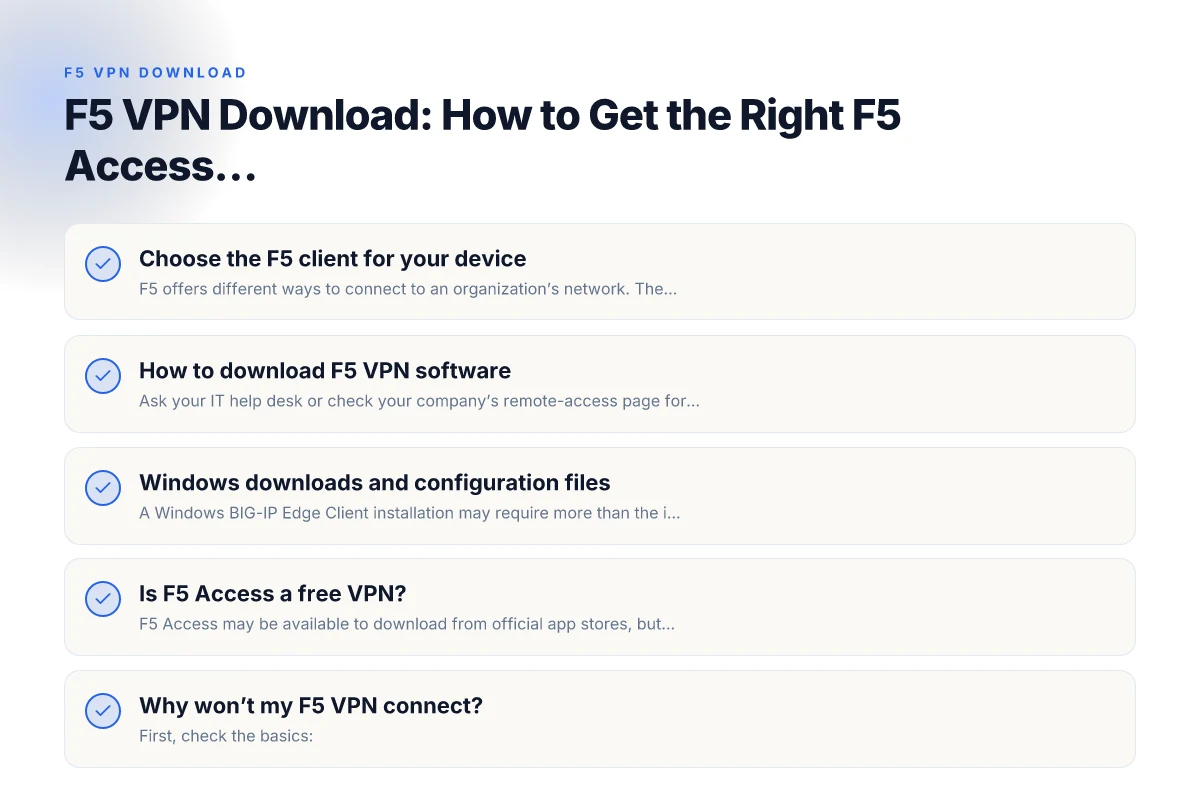
Choose the F5 client for your device
F5 offers different ways to connect to an organization’s network. The app or installer you need depends on your operating system and the organization’s BIG-IP setup.
| Device or situation | Possible client or source | What to check |
|---|---|---|
| Windows PC | F5 Access or BIG-IP Edge Client | Follow your organization’s setup instructions; the required client can vary |
| Mac | F5 Access | Your BIG-IP administrator may provide the installation steps |
| iPhone or iPad | F5 Access in the Apple App Store | Confirm the app is approved for your organization’s VPN |
| Windows installation requiring a package | BIG-IP Edge Client | Check whether IT supplied the required configuration file |
F5 Access is designed to provide secure access to enterprise applications and files using SSL VPN technologies. BIG-IP Edge Client is another client option for connecting to BIG-IP remote access services. They are not necessarily interchangeable: use the one your administrator specifies.
How to download F5 VPN software
Start with your organization
Ask your IT help desk or check your company’s remote-access page for the official download link and setup instructions. Some organizations make the client available from a BIG-IP portal. Others distribute it through an approved app store or software-management system.
An administrator may need to configure access or provide a profile before the client can connect. Do not assume that installing the app alone will create a working VPN connection. Free VPN to Change Location: What to Know Before You Choose
Use the official source for your device
For mobile devices, look for F5 Access in the Apple App Store or the Microsoft Store, where available for your device and region. Verify the app name and publisher before installing it.
For a Mac, F5’s administrator guidance describes downloading and installing F5 Access through the BIG-IP Configuration utility. This process is generally intended for a BIG-IP administrator, so users should ask their IT team for the organization-specific route rather than trying to access administrator settings.
For Windows, follow your organization’s directions for F5 Access or BIG-IP Edge Client. F5’s documentation explains how BIG-IP Edge Client components can be downloaded from the BIG-IP interface when that option is enabled.
Install and connect
After installing the approved client: NordVPN Download Windows 11: Download and Install the App
- Open it and enter the server address or connection details provided by IT.
- Sign in using your organization’s credentials and any required verification method.
- Accept or install a VPN profile only when it comes from a trusted, organization-approved source.
- Follow any prompts to allow the VPN connection.
The exact screens and steps may differ based on your device and your organization’s configuration. If you are unsure which server address or profile to use, ask your administrator rather than guessing.
Compare F5 VPN download sources and setup files
| Download or file | Where to get it | What it is for | When to use it | Check before installing |
|---|---|---|---|---|
| F5 Access for Windows | Microsoft Store or organization link | Windows client | Your IT team specifies F5 Access | Device and BIG-IP compatibility |
| F5 Access for macOS | Mac App Store or organization link | Mac client | Your IT team specifies F5 Access | Organization’s setup instructions |
| F5 Access for iOS | Apple App Store | iPhone and iPad client | Connecting from an iOS device | Correct organization portal |
| F5 Access for Android | Google Play | Android client | Connecting from an Android device | Correct organization portal |
| BIG-IP Edge Client for Windows | Organization-provided link | Windows VPN client | Your organization requires Edge Client | Trusted download source |
| Windows configuration file | Organization or BIG-IP administrator | Connection settings | The client needs a supplied configuration | Use the file provided for your account |
| VPN portal address | Organization or IT team | Server or portal details | Setting up or troubleshooting a connection | Enter the address exactly as supplied |
Compiled November 2026; check the provider's site for current details.
Windows downloads and configuration files
A Windows BIG-IP Edge Client installation may require more than the installer. F5’s support documentation notes that, for installation without an installation package, the config.f5c file must be present in the Download\F5 VPN folder. The file is included with the BIG-IP Edge Client download package. Checkpoint VPN: What It Does and How to Choose a Client
This matters because a client can install successfully but still lack the configuration needed to connect. If your organization asks you to use this method, get the installer and configuration file from its approved BIG-IP portal or IT team. Do not substitute a configuration file found on an unrelated website.
If the expected file is missing, or the installer does not match your device, stop and contact IT. Your organization may use a different deployment method or client version.
Is F5 Access a free VPN?
F5 Access may be available to download from official app stores, but downloading an app does not automatically give you VPN service. Access typically depends on an organization’s BIG-IP remote-access setup and your authorized account. Your employer or institution must provide the connection details and grant access.
F5 describes remote-access VPN as a way to establish secure connectivity over public networks, using technologies such as SSL VPN or IPsec VPN. The technology protects the connection, but the organization controls who can connect and which resources are available. F5 Access is therefore not a general-purpose consumer VPN service for anonymous browsing. Fortinet VPN: What It Is, How It Works, and How to Set It Up
Decide what to check when F5 VPN will not connect
| Check | What to verify | Possible issue | Next step | Who can help |
|---|---|---|---|---|
| Client choice | Required app for your device | Wrong or unsupported client | Confirm the approved client | IT team |
| Download source | App or installer is official | Incomplete or untrusted install | Reinstall from an approved source | IT team |
| Configuration | Correct file or connection settings | Missing or outdated settings | Request current configuration | VPN administrator |
| Portal address | Address matches instructions | Typo or outdated portal | Re-enter the supplied address | IT team |
| Network | Internet connection is available | Local connectivity problem | Test another network if allowed | Network support |
| Account access | Credentials and account status | Incorrect credentials or access issue | Check sign-in details or account status | Help desk |
| Service availability | Organization VPN is operating | Server-side outage or maintenance | Check service notices | VPN administrator |
| Client updates | Installed client is supported | Outdated software | Follow organization update guidance | IT team |
Compiled November 2026; check the provider's site for current details.
Why won’t my F5 VPN connect?
First, check the basics:
- Confirm that your internet connection works without the VPN.
- Verify that you installed the client your organization supports.
- Recheck the server address and sign-in details supplied by IT.
- Make sure your device’s date and time are correct.
- Restart the app or device, then try again.
- Check whether your organization has posted a service notice or requires a specific network or profile.
If the app reports a certificate, configuration, or access error, take a screenshot or note the exact message and share it with your help desk. Your account may need permission, or the connection profile may need attention. Avoid repeatedly changing security settings or installing unofficial versions in an attempt to fix the issue. VPN Free Extension Edge: How to Choose One for Microsoft Edge
Recommendation
For a safe and reliable F5 VPN download, get the link and client choice from your organization’s IT team or its official BIG-IP portal. Install F5 Access or BIG-IP Edge Client only when instructed, and use the configuration details provided for your account.